How to Use StormForge Optimize Live’s Java Workload Optimization
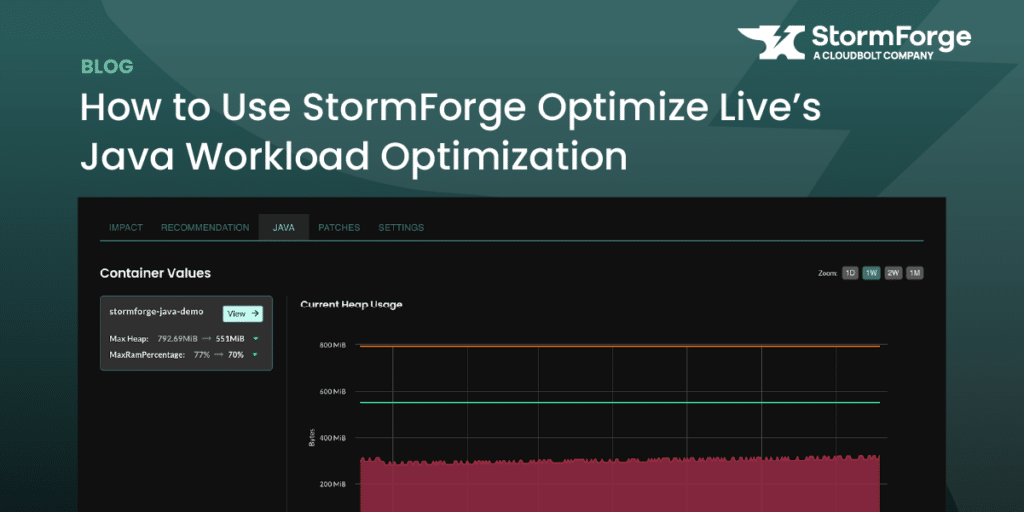
How to Enable Java Workload Optimization
To start receiving Java-specific recommendations, you’ll need to configure the StormForge Agent to detect Java workloads and collect JVM metrics.
There are three key pieces of configuration required:
- A Kubernetes label selector that identifies your Java workloads
- A port where JVM metrics are exposed
- An optional metrics path (default is /metrics, but this can be customized)
Here’s an example configuration block to include during agent install or upgrade:
jvmWorkloadConfigs:

- labelSelector: "example.com/jvm-runtime=true"

   metricsPort:

     matchNumber: 9090

   metricsPath: /jvm-metrics   # Default is "/metrics"
Please see the documentation for full instructions on configuring Java metrics collection in your environment.
Viewing Java Heap Recommendations in the UI
Once the agent is successfully collecting Java metrics, Optimize Live will display a new Java tab within each workload’s detail screen.
There, you’ll see:
- JVM-specific metrics, including heap usage and garbage collection
- A recommended heap size for each Java container
- Updated memory requests and limits aligned with that heap size
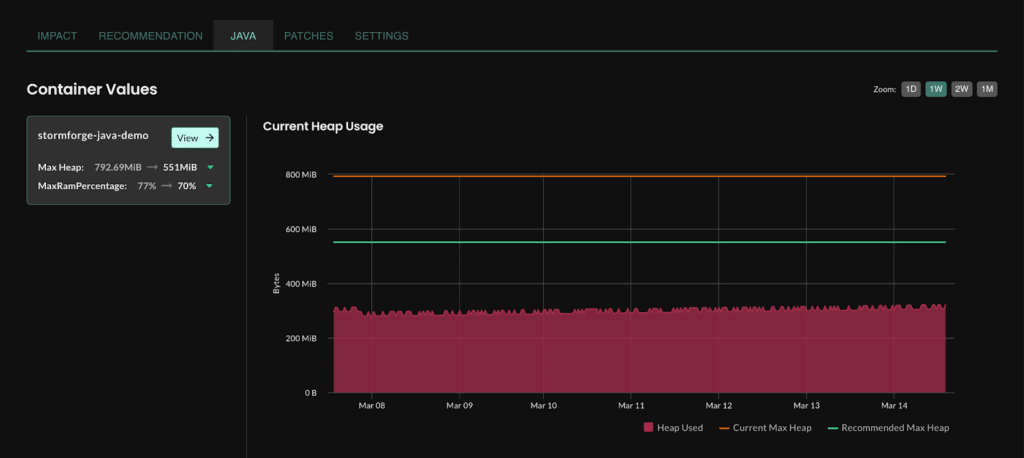
We recommend first reviewing the heap usage history and comparing it to the recommendation. You can apply the changes manually to confirm performance and cost impact.
Once you’re confident in the recommendations, you can move those workloads to auto-deploy mode, where Java rightsizing updates are applied regularly (daily by default).
Wrapping Up
Java workload optimization brings targeted intelligence to one of the most memory-sensitive areas of Kubernetes. By understanding heap behavior and JVM memory patterns, StormForge enables safe, efficient tuning for Java-based applications—without guesswork or overprovisioning.
Ready to try it out? Start your free trial, or explore the feature in our interactive sandbox environment.



Related Blogs
The Technical Guide to Kubernetes Rightsizing from LearnKube
The Technical Guide to Kubernetes Rightsizing from LearnKube is a comprehensive, hands-on guide to safely optimizing CPU and memory across…