What You Need to Know About VMware High Availability
VMware’s High Availability feature, also known as VMware HA, is a subset of vSphere Availability and part of the broader vSphere suite of technologies. It helps minimize virtual machine downtime in the event of a hypervisor (ESXi) host failure. With HA, vSphere can detect host failures and restart virtual machines on other hosts.
VMware HA includes multiple configurable features. The right choice of configuration options varies depending on your specific use case (host failure, admission control, etc.). However, the default settings are a great starting point for many vSphere deployments.
Popular HA features include:
- Failure Response
- VM Restart Policy
- VM dependency restart condition
- Response for Host Isolation
- Datastore with PDL (Permanent Device Loss) Response
- Datastore with APD (All Paths Down) Response
- VM Monitoring
- Host failures cluster tolerates
- Define host failover capacity by
- Percentage
Review VMware HA concepts, best practices, common misconceptions, and a configuration walkthrough in this article that’s part of our Complete Guide to VMware Administration.
Discover how we can help you make the most of your VMware environment. Talk to us today.



Related Blogs
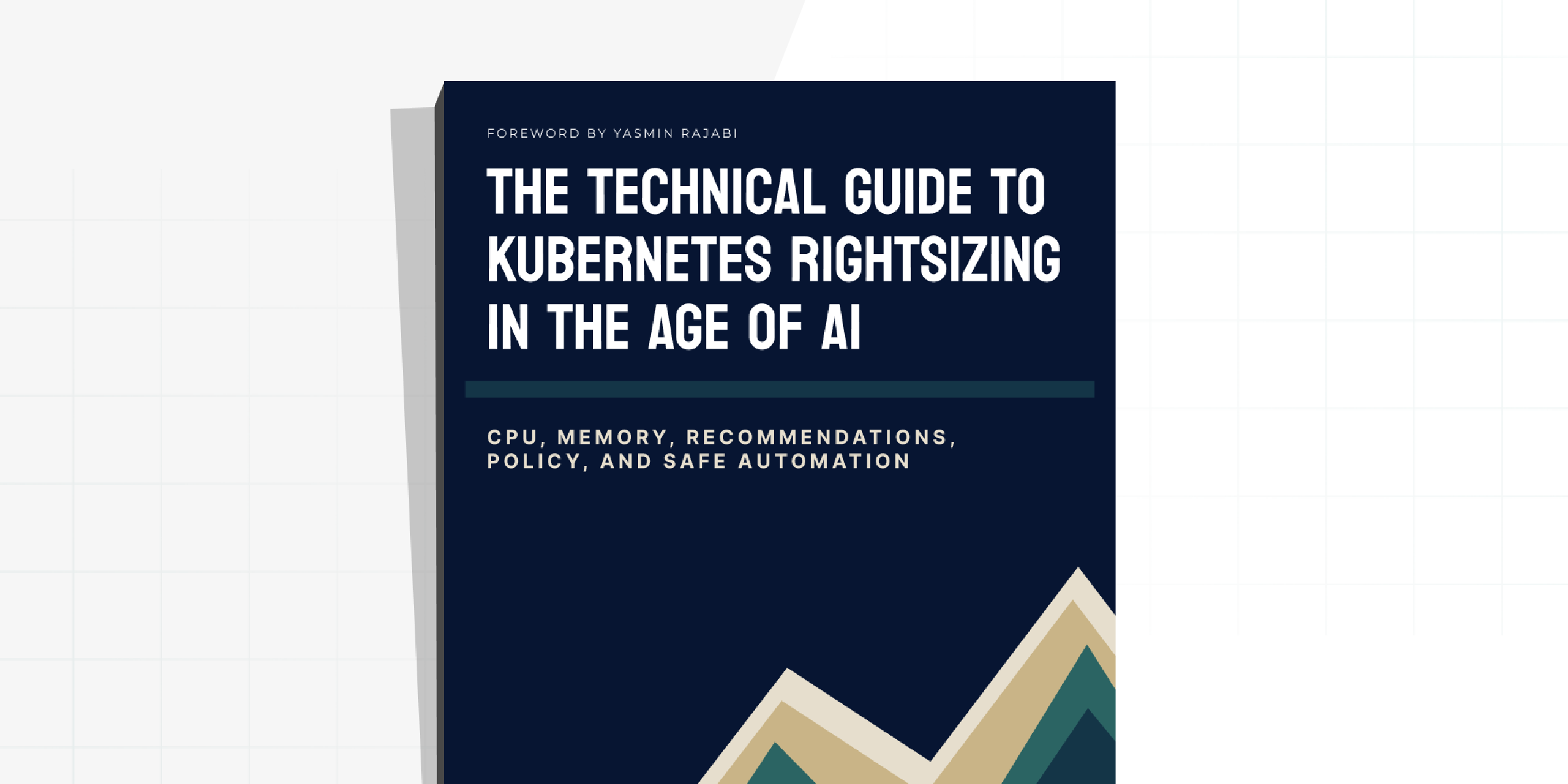
The Technical Guide to Kubernetes Rightsizing from LearnKube
The Technical Guide to Kubernetes Rightsizing from LearnKube is a comprehensive, hands-on guide to safely optimizing CPU and memory across…